Why Choose ImgGen's Background Remover?
Everything you need to erase backgrounds from any image — fast, free, and with pixel-perfect precision.
Remove BG with One Click
Upload any image and our AI instantly detects the subject, erasing the background in a single click. No manual selection, no fiddly tools — just a clean, transparent cutout every time.
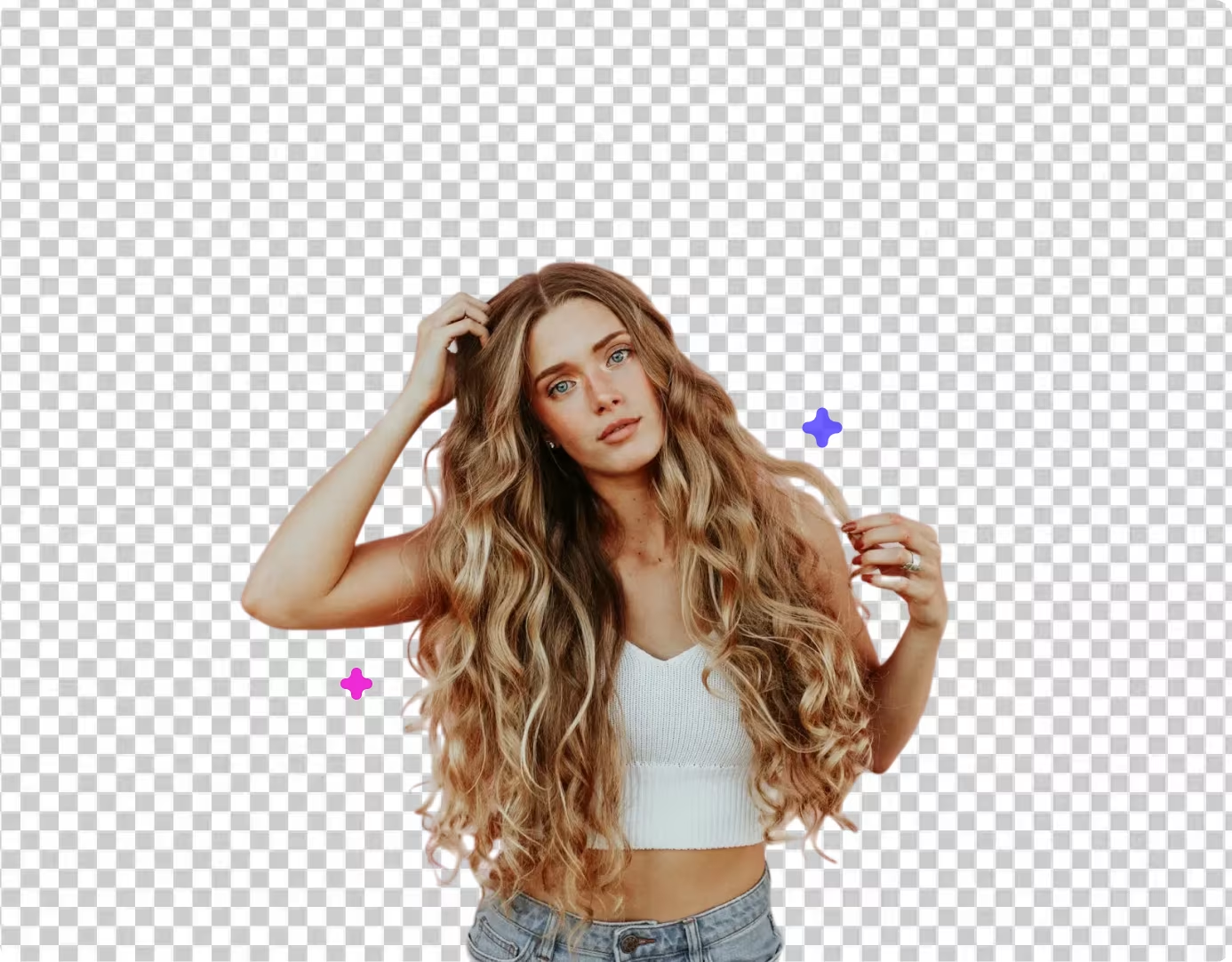
Whether it's product photos, portraits, or logos, the AI handles complex edges, fine hair detail, and semi-transparent areas with precision.
Remove Background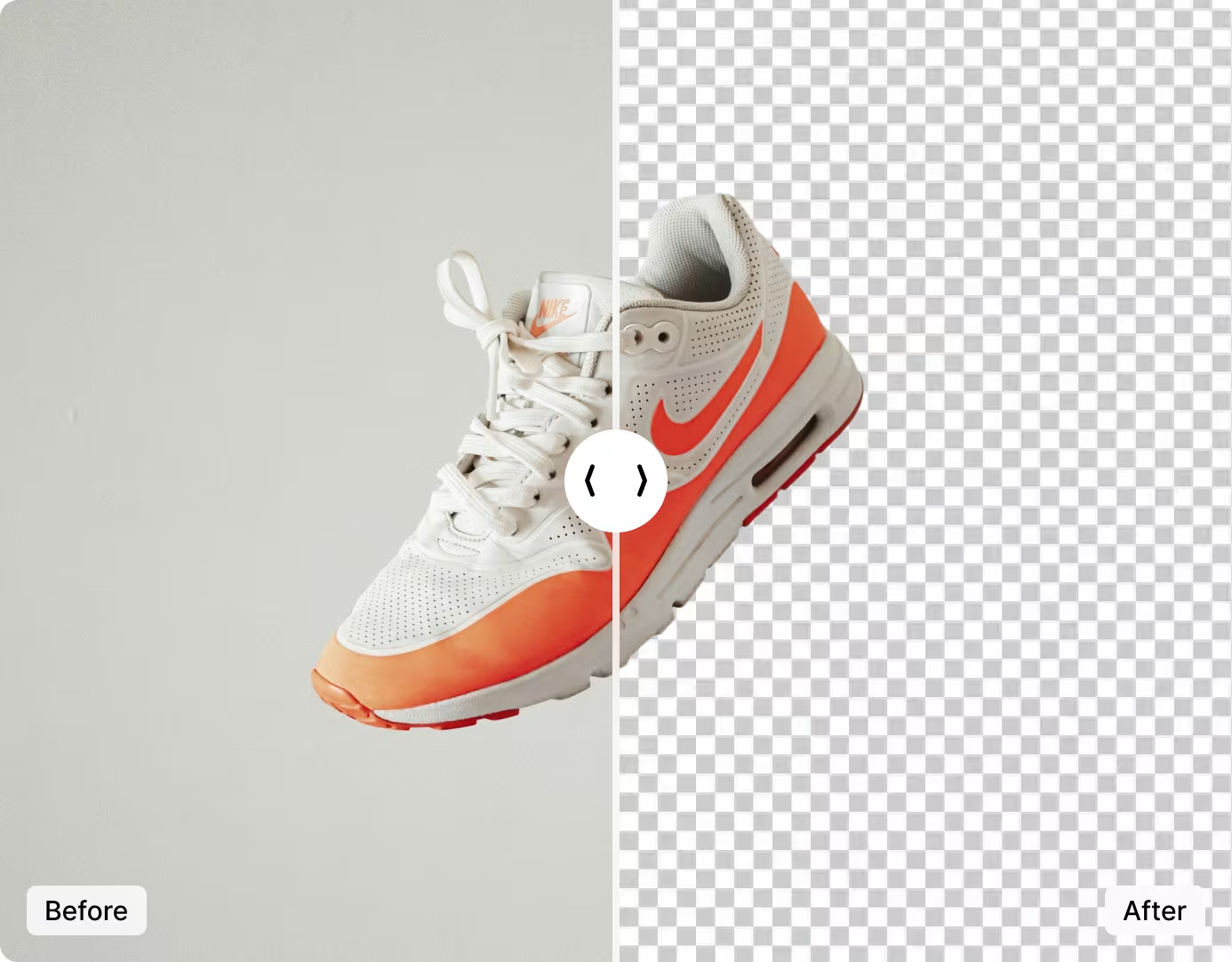
Remove Background Like a Pro
Get studio-quality results without the studio. Our AI produces crisp, clean edges that rival professional retouching — perfect for e-commerce, social media, and design projects.
Swap in a new background color, keep it transparent, or download the cutout to composite in your favorite editor. Professional background removal has never been this easy.
Try It Free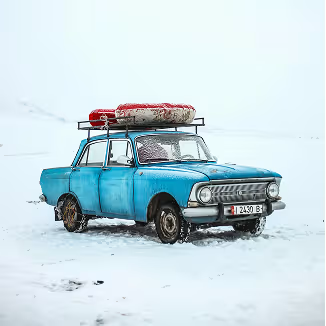

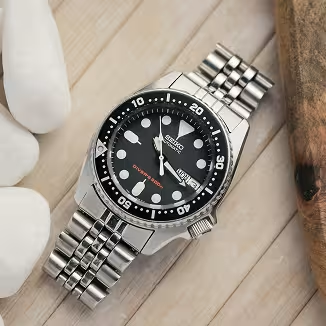

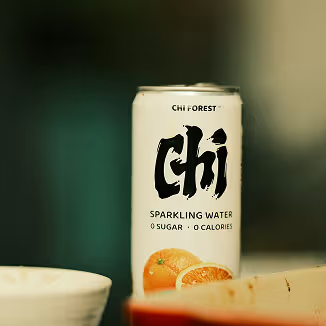
Erase Backgrounds from Any Image
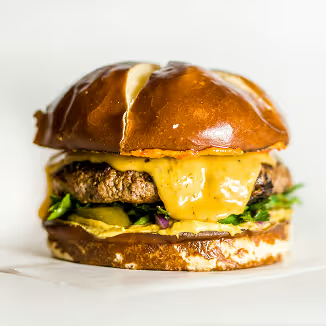
From product shots to portraits and logos — see the difference our AI background remover makes.
Products
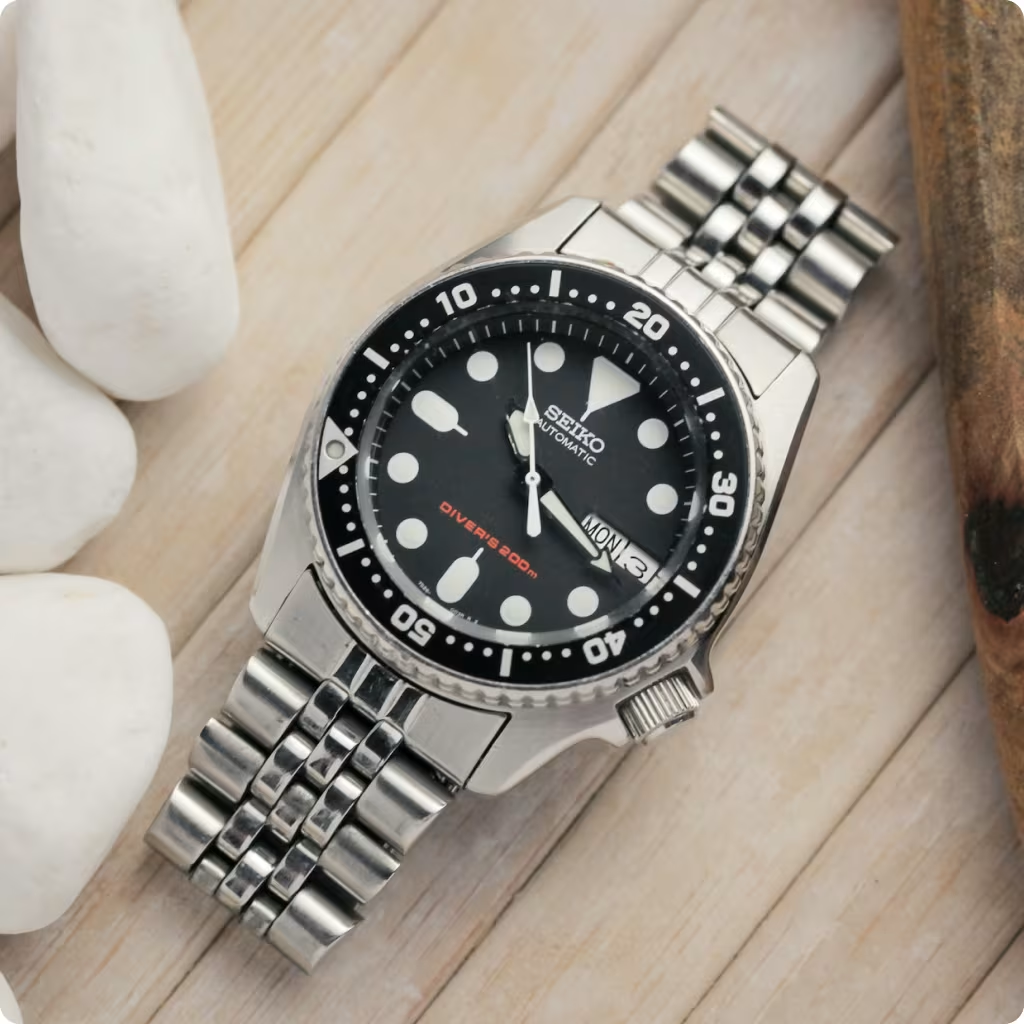
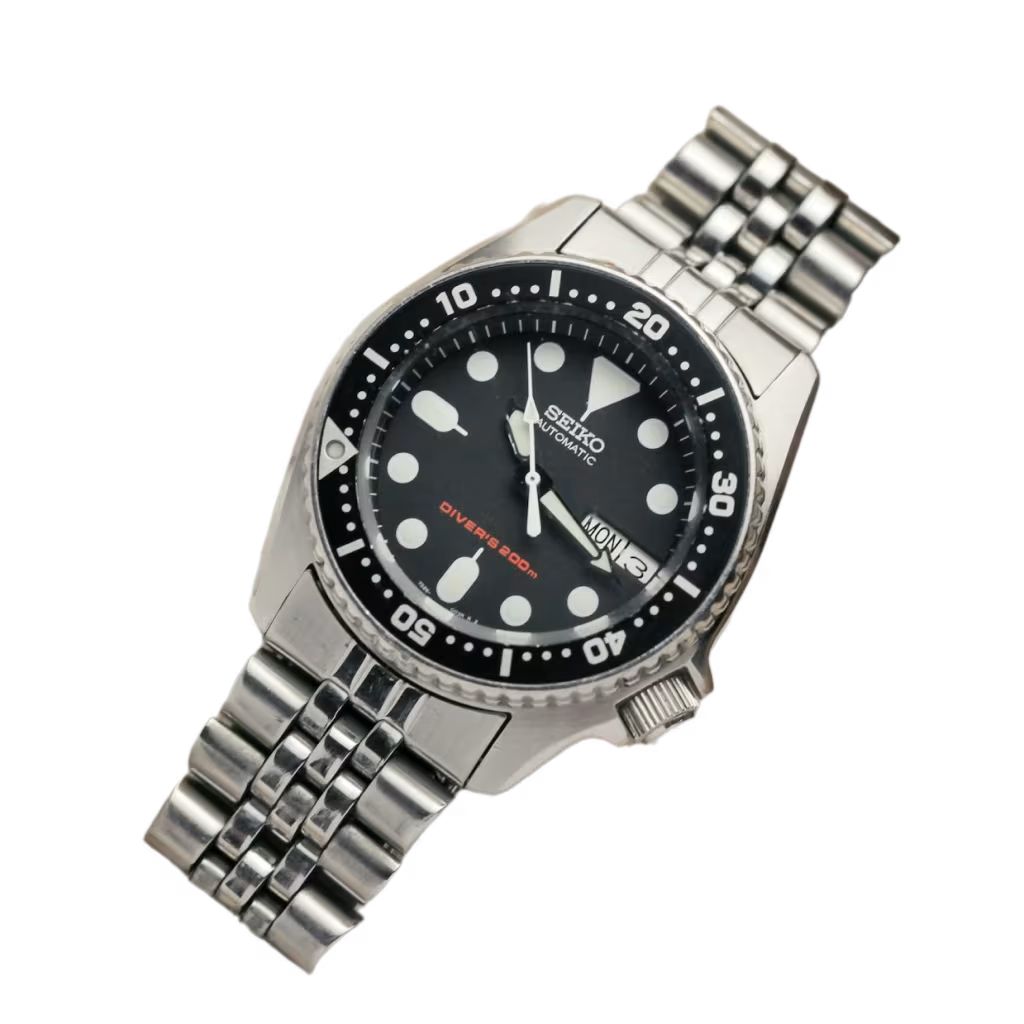
Portraits


Logos


ImgGen AI vs Manual Background Removal Tools
See how AI-powered background removal compares to traditional manual editing in Photoshop, and GIMP.
| Feature | ImgGen AI | Photoshop | GIMP |
|---|---|---|---|
| Typical speed | ~3 seconds* | 5–15 minutes | 10–30 minutes |
| Price | Free | $22.99/mo | Free |
| Typical experience needed | None | Advanced | Intermediate |
| Edge detection method | Automatic AI | Manual refine edge | Manual path/mask |
| Batch processing | Up to 10 | Via actions | Script only |
| Transparent PNG output | Automatic | Manual export | Manual export |
| Background removal API | Yes (REST) | No | No |
| Sign-up required | No | Yes | No |
| Watermark on free tier | None | None | None |
*Speed based on internal testing with 20 images of varying complexity. Results may vary. Prices accurate as of July 2026. Comparison based on publicly available information and our internal testing. Product features and pricing may change over time. All trademarks belong to their respective owners.
How to Remove a Background from an Image
Remove image backgrounds automatically with AI in just a few steps.
Upload Your Image
Select a JPG, PNG, or WEBP file up to 10 MB using the uploader or drag and drop.
AI Removes the Background
Our AI instantly detects your subject and erases the background, delivering crisp edges every time.
Download Transparent PNG
Save the result as a transparent PNG ready for overlays, mockups, e-commerce, and design work.
Add Background Removal to Your App with the API
Integrate ImgGen's Background Remover API to automate background removal in your product. Send an image, get a transparent PNG back — ideal for e-commerce, photo editing apps, and design tools.
Get API KeyWho Uses the AI Background Remover?
From e-commerce sellers to designers, thousands of professionals remove image backgrounds with ImgGen every day.
E-Commerce Sellers
Create clean, white-background product photos that meet marketplace requirements and increase click-through rates by up to 40%.
Graphic Designers
Extract subjects from photos for composites, mockups, and marketing materials — no manual masking needed.
Social Media Managers
Create eye-catching posts with transparent cutouts layered over branded backgrounds and templates.
Real Estate Agents
Remove distracting backgrounds from property staging photos and create clean virtual tour assets.
Developers
Integrate automatic background removal into apps and workflows via the ImgGen API for scalable image processing.
Anyone with a Photo
Remove unwanted backgrounds from profile pictures, family photos, or creative projects — completely free.
More Tools for Your Creativity
Discover more AI-powered tools to enhance your creative process.
Frequently asked questions
What is ImgGen's AI Background Remover?
What file formats are supported?
Can I remove backgrounds from multiple photos at once?
Will using the background remover affect my original photo quality?
How quickly does the background remover work?
How can I change the background color after removal?
How do I create a transparent background?
What's the maximum image resolution supported?
Does ImgGen offer a Background Remover API?
Last updated: June 2026